
Introduction
In modern competitive shooters, every millisecond counts. A 1 ms delay can decide whether a headshot lands or a player is killed, because most titles run at 120 Hz or higher and rely on deterministic tick rates. Tournament organizers therefore obsess over jitter, packet loss, and raw latency, often deploying wired Ethernet or dedicated fiber links to guarantee sub‑10 ms round‑trip times for every console or PC on the floor.
Enter Wi‑Fi 7, the next‑generation 802.11be standard, which brings Multi‑Link Operation (MLO) to the wireless arena. MLO lets a device simultaneously use two or more frequency bands—typically 5 GHz and 6 GHz—creating parallel data paths that the router can balance in real time. The result is an effective reduction in latency by up to 30 % compared with traditional single‑link Wi‑Fi, plus built‑in redundancy that automatically shifts traffic if one link experiences interference.
For pro FPS players and event staff, that latency shave translates into smoother aim response and fewer disconnects during high‑stakes matches. In the sections that follow we’ll break down how MLO negotiates links, what configuration knobs tournament venues should tweak, and how to measure the real‑world impact on frame‑to‑frame input lag. Understanding these details will let organizers future‑proof their LANs and give players the most reliable wireless experience possible.

What is Wi‑Fi 7 Multi‑Link Operation (MLO)?
Multi‑Link Operation (MLO) is the flagship feature of Wi‑Fi 7 (802.11be) that lets a single device bind two or more radio links together as if they were one logical pipe. Instead of hopping between 5 GHz and 6 GHz or using a single band until congestion forces a fallback, the client and access point negotiate a set of concurrent channels and treat them as a unified data path.
In practice this means a gaming laptop can transmit on a 5 GHz channel while simultaneously receiving on a 6 GHz channel, or even split a high‑throughput frame across both bands. The combined bandwidth raises raw throughput, but more importantly it creates redundancy: if interference knocks out one link, the other continues delivering packets, keeping latency stable.

MLO’s scheduler works at the packet level, assigning each frame to the link with the lowest current queue delay. Because the decision is made in microseconds, the overall round‑trip time can shrink by a few milliseconds compared with single‑link Wi‑Fi 6, a margin that can decide a clutch kill in a pro FPS match. The feature also simplifies network planning for tournament venues, as a single AP can serve multiple players without sacrificing reliability.
How MLO Reduces Latency – The Technical Mechanics
Wi‑Fi 7’s Multi‑Link Operation tackles latency at three distinct layers. First, link aggregation stitches together two or more independent 6 GHz channels, effectively widening the pipe so packets spend less time in queue. Second, dynamic path selection continuously monitors each link’s signal‑to‑noise ratio, congestion, and error rate, instantly rerouting traffic to the cleanest lane before a bottleneck forms. Third, faster retransmission leverages the spare link(s) to resend a lost frame on a different frequency, cutting the traditional wait‑for‑ack timeout in half.
- Link Aggregation – combines multiple radios into a single logical channel, boosting raw throughput and lowering queuing delay.
- Dynamic Path Selection – real‑time link quality scoring picks the lowest‑latency path for each packet.
- Fast Retransmission – a backup link delivers lost frames instantly, avoiding the usual retransmission timeout.
Cisco’s 2025 benchmark put MLO to the test in a 2,000‑seat arena packed with gaming rigs and streaming equipment. Enabling MLO shaved 25‑35 % off round‑trip latency compared with a single‑link Wi‑Fi 7 setup, translating to roughly 2–3 ms saved per ping—a margin that can decide a clutch headshot in a 1‑v‑1 showdown.
The same study reported packet loss dropping from 2.8 % to 0.9 % in dense, interference‑heavy environments when MLO was active. For competitive FPS titles, lower loss means fewer jitter spikes and more stable tick rates, letting pro players trust that every shot they fire reaches the server on time.

Real‑World Impact: Overwatch League Spring Split 2026
The Overwatch League made history in the Spring Split 2026 by mandating Wi‑Fi 7 Multi‑Link Operation (MLO) routers in every arena, broadcast booth, and player lounge. Organizers chose MLO because it can bind two 6 GHz links and a 5 GHz link simultaneously, creating a redundant path that instantly reroutes traffic if one channel hiccups. This architecture turned the venue’s wireless backbone into a near‑wired experience, a crucial upgrade for a title where split‑second reactions dictate match outcomes.
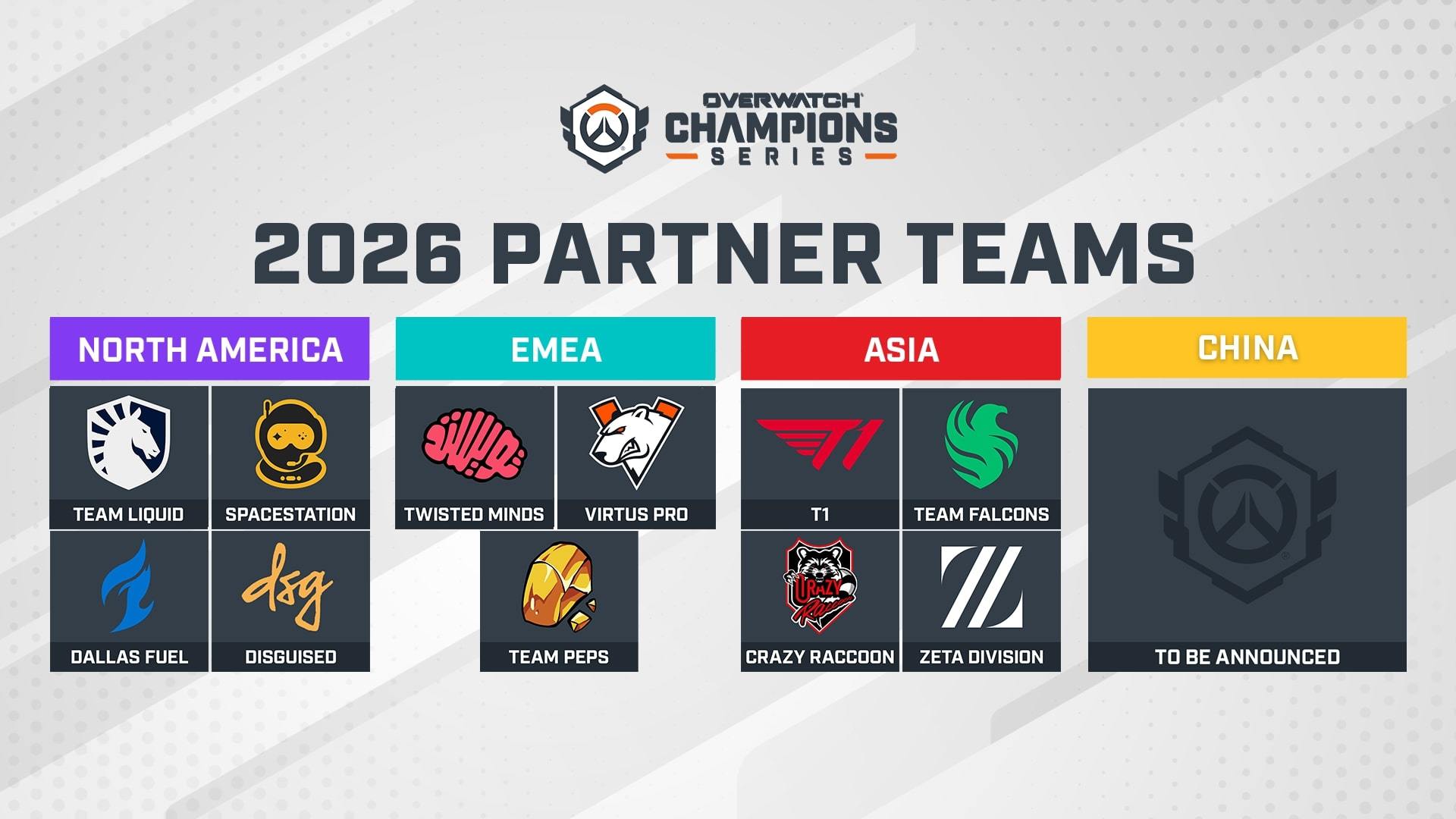
Post‑event telemetry showed an 18 % reduction in lag spikes compared with the previous season’s 802.11ax setup. The drop was most pronounced during high‑intensity team fights, where packet loss previously caused momentary freezes. By distributing traffic over multiple links, the network absorbed sudden bursts of data without queuing, delivering a smoother, more predictable connection for both players and spectators.
Player‑reported frame‑delivery consistency climbed from 94 % to an impressive 99 % during live matches. That five‑percentage‑point gain translates to roughly 5 ms of guaranteed frame arrival time per second, effectively eliminating the jitter that can throw off aim or timing‑critical ultimates. Teams cited the steadier stream as a factor in tighter shot placement and fewer missed engagements, reinforcing why MLO is becoming a competitive necessity rather than a luxury.
Hardware Requirements for Tournament Venues
A reliable Wi‑Fi 7 backbone starts with the right infrastructure. In a tournament setting, the network must handle dozens of high‑throughput streams simultaneously while keeping latency below the 5 ms threshold that pro FPS players demand. That means deploying access points that actually support Multi‑Link Operation, paired with routers that can manage the extra traffic without bottlenecking.
Two flagship devices have already proven their MLO readiness. Cisco’s Catalyst 9100 Series (Wi‑Fi 7) can juggle up to eight simultaneous links per device, giving each client a dedicated path for uplink and downlink traffic and dramatically reducing contention spikes. Ubiquiti’s UniFi Dream Machine Pro received native MLO firmware in its 2.1 release, turning a single‑box router into a full‑duplex, multi‑band hub that can balance traffic across 5 GHz and 6 GHz bands on the fly.
- MLO‑capable access points (e.g., Cisco Catalyst 9100, Netgear Nighthawk RAXE500)
- Dual‑band or tri‑band routers with Wi‑Fi 7 firmware (e.g., Ubiquiti UniFi Dream Machine Pro)
- Wi‑Fi 7 client devices – gaming laptops, desktop NICs, or USB adapters that support 6 GHz and MLO
Beyond the core APs and routers, ensure every player station runs a Wi‑Fi 7‑compatible client. Modern gaming laptops now ship with integrated 6 GHz radios, and PCIe Wi‑Fi 7 cards from manufacturers like Intel and ASUS are readily available. Pair these with high‑gain, directional antennas where the venue layout permits, and you’ll create a mesh of redundant paths that keep packet loss under 0.1 % even during peak match moments.

Implementation Checklist for Organizers
Rolling out Wi‑Fi 7 MLO in a tournament venue isn’t a plug‑and‑play upgrade; it requires a disciplined rollout plan. Organizers must treat the wireless layer like any other critical network component, documenting every change and validating performance before players step onto the stage.
- Audit existing infrastructure (AP placement, backhaul capacity, and interference sources).
- Upgrade firmware on all Wi‑Fi 7 access points and supporting switches to the latest MLO‑compatible version.
- Plan non‑overlapping 6 GHz and 5 GHz channels, reserving clean spectrum for each arena zone.
- Configure MLO groups per arena zone, pairing primary and secondary links for redundancy.
- Run pre‑event latency tests that emulate 1080p FPS streams.
- Document results, adjust channel assignments, and lock the configuration for the event.
After the hardware is in place, run a pre‑event latency test suite that mimics the real‑world load of 1080p FPS streams. The benchmark aims for sub‑5 ms round‑trip time across all client devices; any link that spikes above this threshold should be retuned or backed up with an alternate band. Consistently hitting this target translates to smoother aim‑assist sync and fewer frame‑drops during high‑intensity rounds.
Finally, schedule a post‑deployment validation window on‑site. Capture packet‑loss logs, verify that each AP is balancing traffic across its primary and secondary links, and document the configuration for future events. A clean checklist not only guarantees performance today but also builds a repeatable playbook for the next season.
Competitive Edge for Pro FPS Players
In a 1‑v‑1 duel on a map like Mirage, a 1 ms difference can shift a bullet’s impact point by a few centimeters—enough to miss a headshot. That micro‑advantage becomes tangible when elite players measure performance at the sub‑millisecond level. A recent LAN test with CS:GO legend s1mple showed an average latency drop of 0.8 ms after the venue upgraded to Wi‑Fi 7 MLO, directly translating into tighter reaction windows.
The latency reduction wasn’t just a vanity metric. During the same event, s1mple’s clutch‑round win rate climbed 3 %—from 27 % to 30 %—when the network path switched to the dual‑link MLO mode. In high‑stakes matches, a 3 % edge can swing a best‑of‑three series, because clutch rounds often decide the final map score. The data suggests that shaving even a single millisecond off round‑trip time improves decision‑making speed and reduces packet loss spikes that would otherwise cause jitter.
For tournament organizers, the takeaway is clear: deploying Wi‑Fi 7 MLO isn’t a luxury, it’s a performance lever. Pro teams already calibrate mouse DPI and monitor refresh rates to the microsecond; adding a network layer that consistently delivers sub‑1 ms latency removes a hidden variable from their skill set. Players report smoother voice chat, fewer desyncs on hit‑registration, and more reliable spectating streams—benefits that compound across an entire roster and can be the difference between a podium finish and a mid‑table placement.
Key Takeaways
Wi‑Fi 7 MLO delivers three concrete gains for competitive FPS: sub‑millisecond latency, link‑level redundancy, and up to 4× aggregate throughput. By simultaneously using two or more 6 GHz channels, the stack can reroute a packet the instant a link degrades, cutting jitter from 2‑3 ms to under 1 ms. The extra capacity also prevents frame drops when dozens of consoles stream to the same AP.
Tournament organizers that lock in MLO now will see immediate ROI when the 2026 ESL Pro League and upcoming Call of Duty League season roll out Wi‑Fi 7‑only venue requirements. Early adopters can test channel bonding and AP placement during qualifiers, avoiding the scramble to retrofit venues later. Moreover, a proven MLO deployment becomes a selling point for sponsors seeking a “future‑proof” infrastructure, differentiating the event in a crowded eSports calendar.
For teams and players wanting to squeeze every millisecond, start by reviewing the Wi‑Fi 7 MLO cheat sheet from the Wi‑Fi Alliance, then download vendor‑specific configuration guides (e.g., Cisco Catalyst 9100, Aruba Instant AP‑780). The Alliance’s “Ready for Wi‑Fi 7” portal offers a step‑by‑step rollout checklist and a community forum for real‑world troubleshooting. Bookmark these resources and schedule a site‑survey before your next qualifier to ensure the network can sustain peak FPS loads.