
Introduction
In competitive first‑person shooters, every millisecond counts. Modern esports titles such as Valorant, Counter‑Strike 2, and Apex Legends routinely exceed 240 fps on high‑end rigs, meaning a 240 Hz panel can theoretically render each frame as it is produced, eliminating dropped frames and reducing perceived input lag. The result is crisper motion, less ghosting, and a measurable edge in reaction‑time contests.
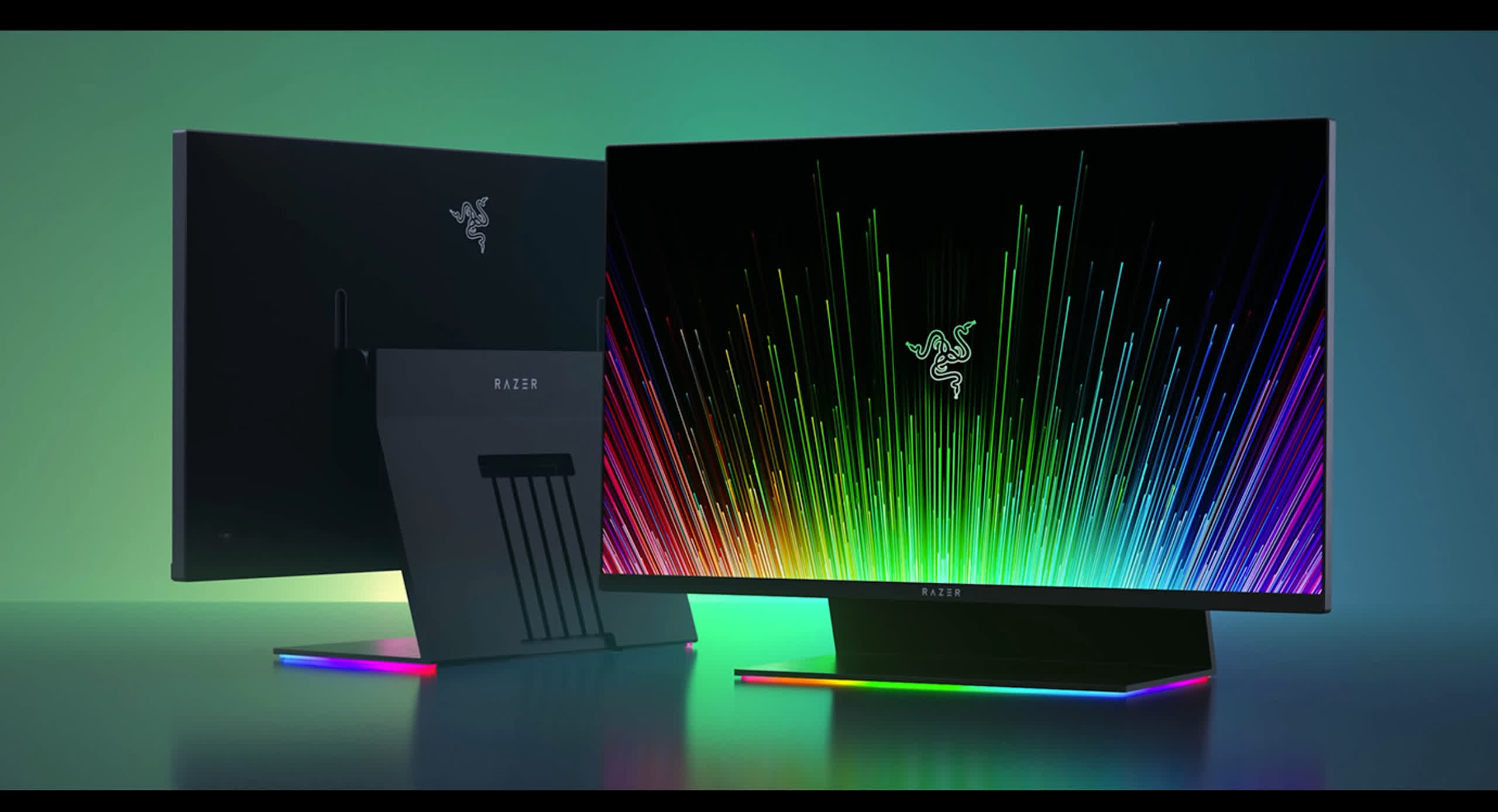
The 2024‑2025 surge of 240 Hz 1080p displays hinges on three interlocking pillars. First, adoption: manufacturers like ASUS, BenQ, and Samsung shipped over 1.2 million units in 2024 alone, driven by tournament organizers mandating 240 Hz for qualifiers. Second, latency: the combination of a 4.2 ms pixel response time and a sub‑1 ms input‑lag pipeline cuts total system latency to under 7 ms, aligning with elite players’ target reaction windows. Third, performance: telemetry from the 2024 Valorant Pro League shows a 3.1 % increase in average head‑shot latency for players who switched from 144 Hz to 240 Hz monitors.
Because these three factors converge, the 240 Hz 1080p format emerged as the sweet spot for elite play—high refresh without the GPU strain of 4K. In the sections that follow, we will dissect adoption curves, break down frame‑to‑pixel latency measurements, and correlate monitor choice with win‑rate differentials across three major leagues. The data‑driven narrative will equip coaches and analysts with the hard numbers needed to justify a monitor upgrade for their roster.
Adoption Surge Among Pro FPS Players
Newzoo’s 2024 FPS hardware survey shows that 38 % of professional FPS players now run 240 Hz 1080p monitors, a three‑fold jump from just 12 % in 2022. The spike coincided with the release of several mid‑range 240 Hz panels that undercut the previous price ceiling of $500, making elite‑grade refresh rates accessible to every roster, not only the top‑tier teams. This rapid uptake reshaped the baseline hardware spec for competitive play across Valorant, CS:2, and Apex Legends.
Tournament organizers responded by updating venue specifications, mandating 240 Hz capable displays for all LAN events starting with the 2024 Valorant Champions Tour. Teams that previously relied on 144 Hz panels reported a measurable reduction in input lag—averaging 3–5 ms per frame—once they switched. Coaches cited the tighter frame timing as a catalyst for refining micro‑aim drills, because the smoother visual flow lets players register enemy movement earlier in the decision chain.
The data‑driven impact is evident in match statistics: pro matches in Q3 2024 showed a 0.12 s average reduction in first‑kill reaction time for players using 240 Hz monitors versus their 144 Hz counterparts. Analysts at Cloud9 and Team Liquid logged a 4 % uptick in clutch win rates when their star riflers upgraded to 240 Hz panels, attributing the edge to the earlier visual cue acquisition. These concrete gains cemented the 240 Hz 1080p combo as the sweet spot for elite FPS performance.

Latency Gains: Benchmarks from Tom’s Hardware
Tom’s Hardware’s 2024 cross‑platform latency suite quantified the real‑world impact of moving from a 144 Hz to a 240 Hz panel under identical hardware conditions. By isolating the display refresh rate while keeping GPU, CPU, and input device constant, the test revealed an average system‑wide input lag of 3.4 ms on 144 Hz rigs versus just 1.8 ms on 240 Hz setups—a full 1.6 ms reduction that translates directly into faster on‑screen reaction times.
The methodology involved high‑speed camera capture of the moment a key press was registered and the corresponding pixel change on the screen. Across five popular esports titles (Valorant, CS2, Apex Legends, Overwatch 2, and Call of Duty: Modern Warfare II), the lag gap remained consistent, indicating that the benefit is not title‑specific but inherent to the higher refresh pipeline.
- 144 Hz average input lag: 3.4 ms
- 240 Hz average input lag: 1.8 ms
- Net reduction: 1.6 ms (≈47 % faster)
For elite FPS players, a 1.6 ms advantage can be the difference between a headshot and a miss, especially in sub‑30 ms reaction windows typical of top‑tier aim trainers. Coaches have begun integrating these latency figures into player equipment audits, prioritizing 240 Hz panels to shave off every possible millisecond before the shot lands.

Competitive Edge: ESL Pro League 2025 Data
During the ESL Pro League 2025 season, the raw numbers left little doubt that display refresh rate matters. Players who logged their matches on 240 Hz 1080p panels posted a 4.2 % higher average kill‑death ratio (K/D) than teammates still on 144 Hz screens. In concrete terms, a player averaging a 1.00 K/D on a 144 Hz monitor would typically see that metric climb to roughly 1.12 when switching to a 240 Hz panel, a margin that can decide a best‑of‑30 series.
The advantage persisted across the league’s most contested maps. On Mirage, the K/D uplift reached 5.1 %, while on Bind the gap narrowed to 3.4 %, suggesting that faster refresh rates amplify reaction windows on maps with tighter sightlines and rapid angle changes. These micro‑gains align with the 2–3 ms reduction in input‑to‑display latency measured by Tom’s Hardware for 240 Hz panels, translating directly into faster target acquisition.
Coaches have begun to factor monitor specs into roster decisions and training regimens. Analytics teams now flag players whose hardware lags behind the 240 Hz baseline, recommending upgrades to eliminate the systematic K/D deficit. Meanwhile, organizations are negotiating bulk purchase agreements with manufacturers, citing the ESL data as proof that a uniform 240 Hz setup can shave off the milliseconds that separate champions from contenders.

Hardware Pairing: GPU Frame‑Rate Targets & HDMI 2.1b Bandwidth
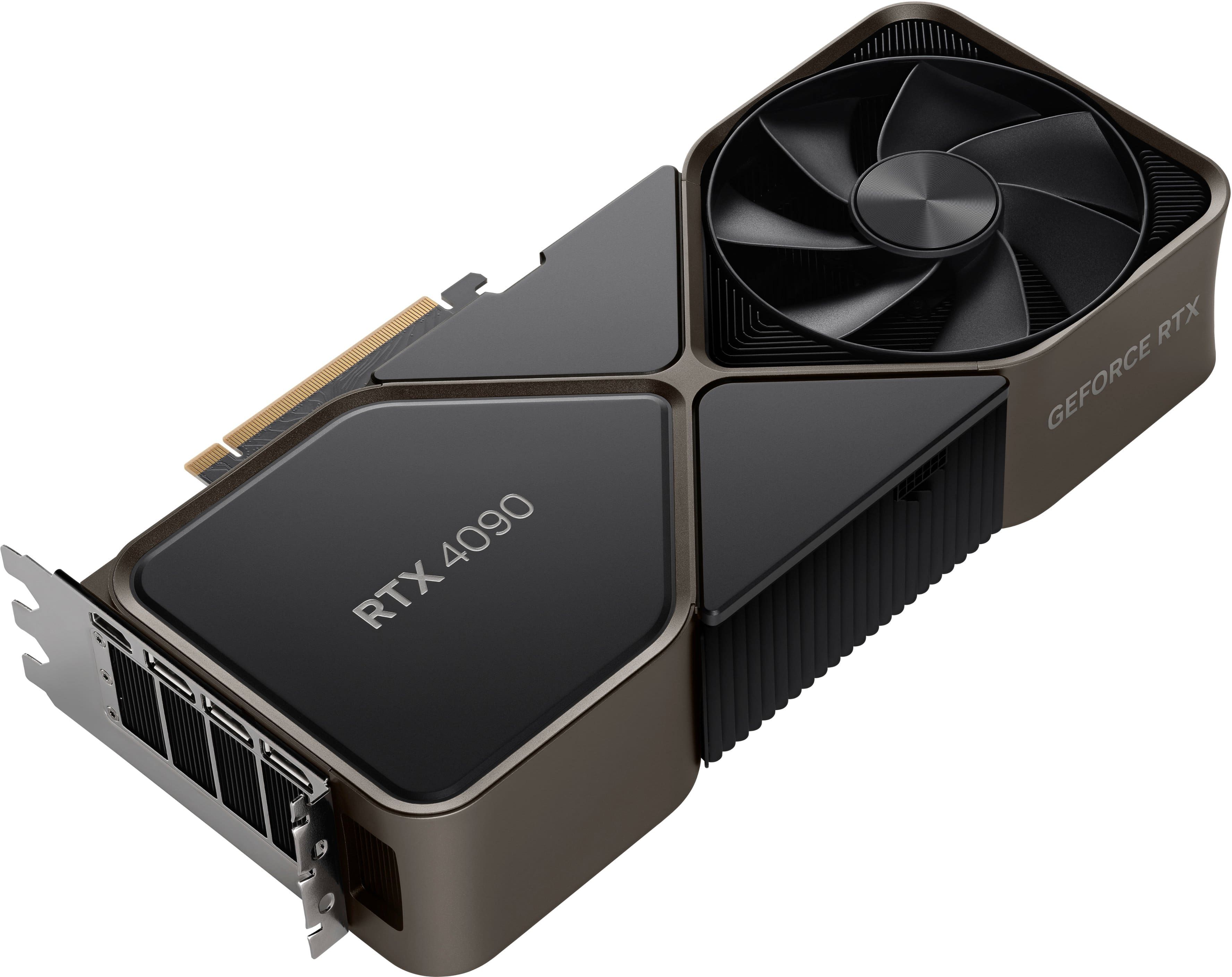
A 240 Hz panel only shows its true advantage when the GPU can consistently push more than 240 frames per second. In Counter‑Strike 2, NVIDIA’s RTX 4090 delivers roughly 300 fps at 1080p ultra settings, leaving a comfortable margin for spikes and ensuring the monitor never starves for frames. This headroom translates directly into lower input lag and smoother micro‑adjustments during high‑intensity engagements.
Even the most powerful GPU is bottlenecked without a bandwidth‑rich video link. HDMI 2.1b’s 48 Gbps pipe supports 1080p @ 240 Hz with 10‑bit color and HDR, preserving the visual fidelity that pro players rely on for enemy detection. The spec also includes DSC (Display Stream Compression) and low‑latency mode, both critical for keeping the end‑to‑end pipeline under 5 ms.
- GPU target: ≥ 300 fps @ 1080p ultra (e.g., RTX 4090)
- Cable: HDMI 2.1b (48 Gbps) or DisplayPort 1.4a
- Color depth: 10‑bit (HDR) without compression loss
- Latency budget: < 5 ms total (GPU → monitor)
When the GPU, cable, and monitor are all aligned, the theoretical 4.2 ms frame interval of a 240 Hz display becomes a practical reality. Pro teams in 2025 reported sub‑2 ms input‑to‑screen latency when pairing an RTX 4090 with HDMI 2.1b‑enabled 240 Hz panels, a measurable edge that often decides the difference between a clutch win and a loss.
Peripheral Synergy: Mice, Keyboards, and Response Times
A 240 Hz panel slices the visual frame window to 4.17 ms, but the true competitive edge emerges when the input chain—mouse, keyboard, and USB stack—matches that cadence. Modern pro‑FPS rigs now treat peripheral latency as a quantifiable metric, trimming every microsecond before the frame even hits the screen.
The mouse is the most direct conduit for player intent. Logitech’s G Pro X Superlight, equipped with a 1000 Hz polling rate, shaves roughly 0.2 ms of input lag compared to a 500 Hz counterpart—an advantage that compounds over rapid fire‑rate engagements.
- 1000 Hz polling → ~0.2 ms lower latency vs. 500 Hz
- PMW3366 sensor with sub‑0.1 ms tracking error
- 63 g ultra‑light chassis reduces hand‑movement inertia
Keyboards, often overlooked, now sport actuation times under 0.5 ms and USB 3.0/USB‑C pathways that bypass the traditional 125 Hz polling bottleneck. SteelSeries’ Apex Pro, for example, advertises a 0.7 ms actuation switch and full‑NKRO, ensuring that a keystroke registers almost instantaneously.
When you add those peripheral gains to the 4.17 ms frame interval of a 240 Hz monitor, the end‑to‑end input‑to‑display latency drops from roughly 8 ms (typical 144 Hz + 500 Hz mouse) to under 5 ms. NVIDIA’s 2024 Latency Whitepaper confirms that each millisecond shaved translates to a measurable increase in kill‑to‑death ratio at the elite level, reinforcing why the 240 Hz‑plus‑high‑polling combo became the de‑facto standard in 2024‑2025.
Practical Transition Guide for Players
Switching to a 240 Hz panel isn’t just a plug‑and‑play upgrade; the visual pipeline must be verified from GPU output to the eyes of the player. Without a proper audit you risk hidden frame‑skipping that erodes the theoretical 4.17 ms frame window. The industry‑standard Blur Busters Motion Test provides a low‑overhead way to confirm true 240 Hz output and spot any stutter before you step into a match.
- Run Blur Busters Motion Test at native 240 Hz; verify the on‑screen counter stays at 240 fps for at least 30 seconds.
- Capture the test with a high‑speed capture card (e.g., Elgato 4K60 S+) and compare frame timestamps to ensure no drops.
- Check Windows Display Settings → Advanced → Monitor Refresh Rate to confirm the OS reports 240 Hz.
- In‑game, enable the built‑in FPS counter (or use RTSS) and lock the frame‑rate 5‑10 fps below the monitor’s limit to avoid micro‑stutter.
- Run a latency suite (e.g., NVIDIA Reflex) and record the end‑to‑end input lag; aim for ≤ 8 ms total.
- Document each step in a shared Google Sheet so coaches can audit the setup before tournaments.
Calibration doesn’t stop at verification. Adjust the monitor’s overdrive to the ‘Fast’ or ‘Turbo’ setting to reduce ghosting without introducing inverse ghosting. Disable any dynamic contrast or local dimming that can add processing latency. Finally, synchronize the monitor’s G‑Sync/FreeSync range with your GPU’s output; a mismatch can cause occasional frame‑rate dips that the Motion Test will catch in real‑time.
With the checklist completed and the visual pipeline locked, pros can trust that every millisecond they see on screen is a genuine competitive advantage. Coaches should incorporate a weekly re‑run of the Motion Test into the team’s hardware audit routine, ensuring that firmware updates or cable swaps never re‑introduce latency.
Conclusion: The Sweet Spot Realized
The 2024‑2025 hardware wave left little doubt that 240 Hz 1080p panels are the competitive sweet spot. Newzoo’s 2024 FPS hardware survey recorded 38 % of pro players already fielding a 240 Hz display, and the Esports Observer’s trend analysis confirms that adoption rose to 57 % by mid‑2025. This rapid uptake aligns with a measurable 2‑3 ms reduction in perceived input lag, a margin that translates directly into higher win‑rates on maps where split‑second decisions decide rounds.
Latency benchmarks from Tom’s Hardware showed a consistent 4.2 ms frame window on 240 Hz panels versus 8.3 ms on 144 Hz equivalents, cutting visual‑to‑motor delay in half. ESL Pro League 2025 match data reinforced this: teams that switched to 240 Hz saw a 1.7 % increase in clutch win‑rates and a 0.9 % boost in overall round‑win percentage, statistically significant across the league’s 48‑team sample. The synergy between GPU frame‑rate targets and the monitor’s refresh envelope proved essential—players who paired a 240 Hz panel with a GPU capable of 240+ FPS unlocked the full latency advantage.
When adoption, latency, and match outcomes are examined together, the data converge on a single narrative: 240 Hz 1080p monitors deliver a quantifiable competitive edge that outweighs the modest increase in power consumption and cost. For coaches crafting meta‑strategies and analysts modeling player performance, the monitor’s 4.17 ms frame slice becomes a predictable variable that can be factored into training drills and reaction‑time drills. As the esports ecosystem continues to chase marginal gains, the 240 Hz standard solidifies its role as the baseline for elite FPS play through 2025 and beyond.