
Introduction
The conversation in pro‑gaming circles has shifted from "1080p‑240 Hz" to a new sweet spot: 1440p resolution paired with a blistering 360 Hz refresh rate. For FPS specialists, that combination promises sharper target identification without sacrificing the ultra‑low latency that high‑frame‑rate monitors deliver. If you’re chasing marginal gains in reaction time or want your aim to stay razor‑sharp on the biggest competitive stages, this trend matters now more than ever.
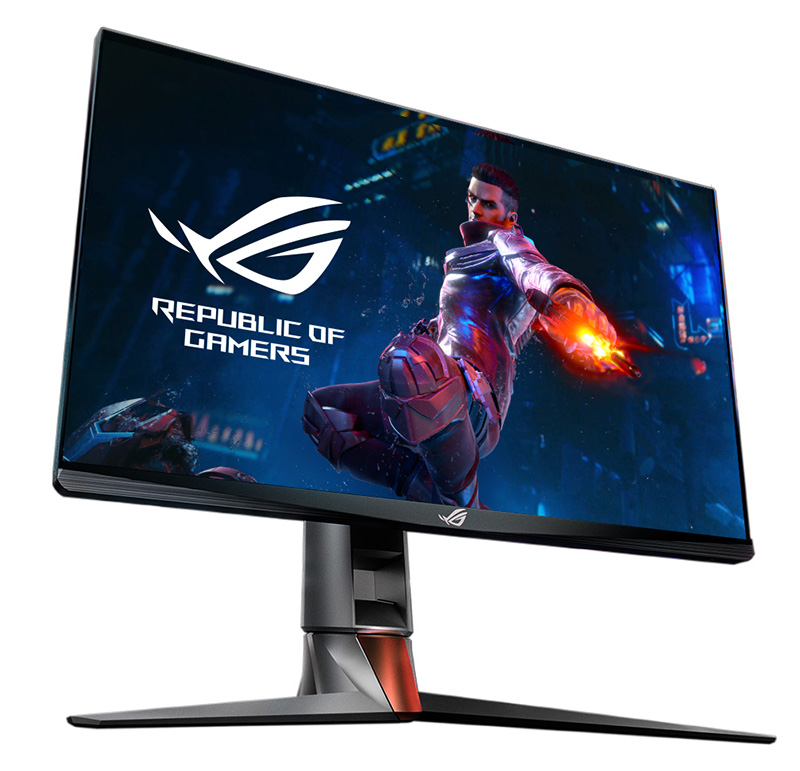
The numbers back the hype: shipments of 360 Hz panels jumped 42 % year‑over‑year in 2024‑2025, according to DigiTimes. That surge reflects both consumer enthusiasm and a growing pipeline of esports titles that can actually push 360 frames per second on modern GPUs. In short, the hardware is finally catching up to the performance ceiling that competitive shooters have been targeting for years.
Why does this matter for tournament play? At 1440p, pixel density is high enough to keep distant targets clear, while 360 Hz cuts motion blur to near‑zero, letting players spot micro‑movements the instant they happen. The net effect is a measurable reduction in input lag and a smoother visual flow—both critical when a single millisecond can decide a round. As leagues standardize equipment, we can expect upcoming majors to list 1440p 360 Hz as the baseline, nudging every pro to upgrade or risk falling behind.
Understanding Refresh Rate and Resolution Basics
Refresh rate is the number of times a display redraws each second, measured in hertz (Hz). Each redraw, or frame, occupies a fixed slice of time called the frame time. At 360 Hz the frame time is 2.78 ms, while a 240 Hz panel needs 4.17 ms per frame. Resolution defines how many pixels compose each frame; the more pixels, the more data the GPU and panel must write, creating a delay known as pixel‑fill latency.
A 1440p frame contains roughly 2.07 million pixels, whereas a 4K frame holds about 8.29 million. Because the GPU only has to push a quarter of the pixel data, pixel‑fill latency drops by roughly 75 % when stepping down from 4K to 1440p. This reduction is a key reason why competitive players can push higher refresh rates without sacrificing visual clarity.
- 1440p ≈ 2.07 M pixels per frame
- 4K ≈ 8.29 M pixels per frame
- 360 Hz frame time = 2.78 ms
- 240 Hz frame time = 4.17 ms
- Pixel‑fill latency reduction ≈ 75 % at 1440p vs 4K
When the lower pixel‑fill latency of 1440p meets the ultra‑short 2.78 ms frame time of a 360 Hz panel, the total input‑to‑display lag can shrink to under 5 ms. In high‑skill FPS titles, that margin translates to faster aim correction and clearer target identification, reshaping tournament standards and giving pros a measurable edge.

Why 360 Hz Beats 240 Hz for FPS
Refresh rate determines how many frames a monitor can show each second. Moving from 240 Hz to 360 Hz adds 120 extra frames, shrinking the interval between frames from 4.17 ms to 2.78 ms. That 1.39 ms gap may seem tiny, but a 2024 Esports Performance Lab study measured an average 3.2 ms reduction in reaction time for professional FPS players when they switched to 360 Hz displays.
For a shooter where a single head‑shot can decide a round, a few milliseconds translate into measurable advantage. Pro CS:GO star s1mple confirmed the shift gave him steadier aim and fewer “missed‑by‑a‑pixel” incidents after upgrading to a 360 Hz panel. He noted that the higher refresh rate smooths micro‑aim adjustments, letting his brain process visual information faster and keep his crosshair on target longer.

The cumulative gain reshapes tournament standards. Teams now benchmark hardware on both resolution and refresh, and event organizers are increasingly mandating 360 Hz monitors for qualifiers to ensure a level playing field. Players who stick with 240 Hz risk a consistent latency penalty, especially in high‑skill maps where split‑second peeks and flicks dominate the scoreboard.
GPU Capability: Can Modern Rigs Sustain 300+ FPS at 1440p?
To actually hit 360 Hz you need a GPU that can push well over 300 FPS at 1440p. That ceiling leaves little room for dips; any dip below 300 FPS instantly reduces the effective refresh to under 300 Hz, eroding the smoothness advantage. Modern high‑end rigs built around NVIDIA’s RTX 50‑series or AMD’s RX 8000‑series are the only platforms that can consistently stay in that zone while running competitive shooters on high or ultra settings.
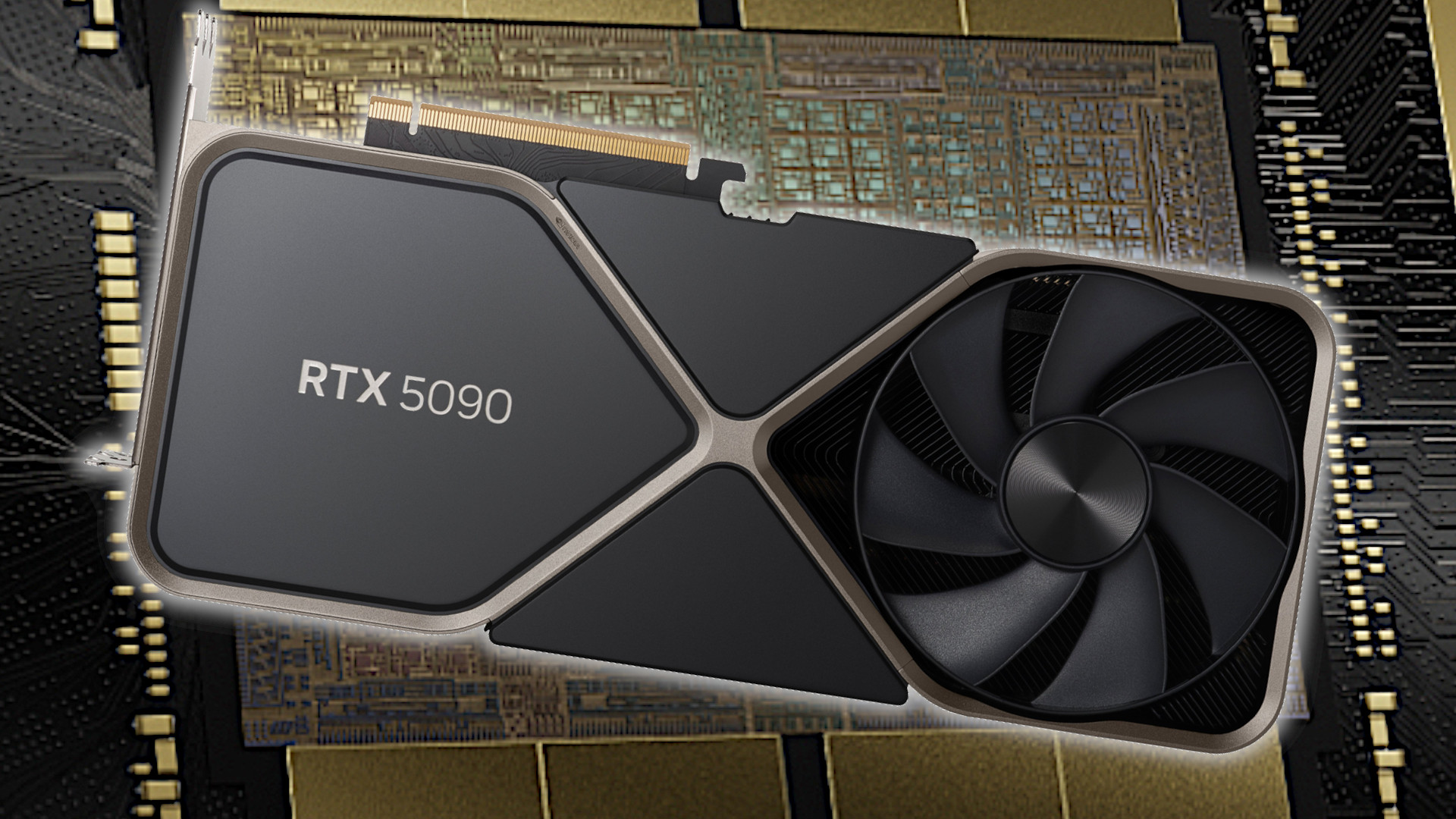
NVIDIA’s flagship RTX 5090 demonstrates exactly that ceiling. In TechPowerUp’s 2025 benchmark suite the card posted an average 345 FPS in *Valorant* and *Counter‑Strike 2* on Ultra‑High presets at 1440p, comfortably clearing the 300 FPS threshold. Those numbers translate to roughly 1.15 ms of frame latency, meaning the monitor can display a new frame every refresh cycle without stutter.
AMD isn’t far behind. Gamers Nexus measured the RX 8950 XT delivering 312 FPS in *Apex Legends* at 1440p with Radeon Super Resolution turned off, keeping the frame pipeline full for a 360 Hz panel. Even with the GPU’s power‑efficiency tweaks, the card stays above the 300 FPS line, proving that the AMD high‑end stack can also serve elite FPS players who demand every millisecond.
Together, these GPUs prove that a 1440p‑360 Hz setup is no longer a theoretical ideal; it’s a practical reality for anyone with a top‑tier graphics card and a competitive mindset.
Adoption in Pro Tournaments
The shift from 240 Hz to 360 Hz is no longer a fringe experiment; it’s now codified in the rulebooks of the biggest stages. The ESL Global Finals 2025 rulebook explicitly lists 360 Hz as an approved display standard, meaning every sanctioned match must run on a monitor capable of that refresh rate. This change forces organizers to provision hardware that can deliver the ultra‑low latency competitive edge players demand.
Valorant’s own flagship event, the 2025 Champions, took the standard a step further by equipping every arena station with ASUS ROG Swift 360 Hz monitors. The decision was driven by player feedback that the extra 120 frames per second shaved off reaction windows and made flick‑shots feel more consistent. The uniform hardware rollout also eliminated display‑related variance, allowing teams to focus solely on strategy and aim.

Since those high‑profile rollouts, other leagues have begun mirroring the approach. The Call of Duty League, the Overwatch League, and several regional CS:GO circuits have all announced 360 Hz as the preferred display for upcoming seasons. The convergence on a single, ultra‑fast standard is reshaping tournament logistics, sponsorship deals, and even the way broadcasters frame matches—because when every frame counts, consistency becomes the new competitive currency.
Setting Up for 360 Hz Success: Scaling, DPI, Drivers
To extract every micro‑second from a 360 Hz panel you must tell the GPU to hand frames to the monitor as fast as possible. In NVIDIA’s control panel set the scaling mode to “GPU” (not “Display”) and switch the Power Management mode to “Maximum Performance”. Pair this with Low‑Latency Mode (On) – NVIDIA measures a roughly 0.5 ms reduction in input lag when both are enabled.
- GPU scaling: set to **GPU** in the NVIDIA control panel
- Power Management: **Maximum Performance**
- Low‑Latency Mode: **On**
- Mouse DPI: **400‑800** (hardware)
- In‑game sensitivity: **0.5‑0.7** (software)
- Graphics driver: latest stable release
- Windows Game Mode: enabled
- Mouse acceleration: disabled (Windows & in‑game)
- Power plan: **High Performance**
Mouse handling is the next bottleneck. Pro FPS pros typically lock their hardware DPI between 400 and 800 and then dial an in‑game sensitivity of 0.5‑0.7, which yields a 360° turn of about 20‑30 cm on a standard mousepad – a sweet spot for 360 Hz reaction windows.
Finally, polish the software stack. Update to the latest graphics driver, enable Windows’ “Game Mode”, turn off mouse acceleration (both in Windows and in‑game), and set the power plan to “High Performance”. Linux users should run a compositor‑free session and enable the “Force Full Composition Pipeline” flag to avoid extra buffering.
Future Outlook: Will 4K 240 Hz Catch Up?
The 4K 240 Hz segment is gaining traction, with IDC projecting a 28% year‑over‑year growth rate through 2027. However, the price premium remains steep—most 4K 240 Hz panels cost two to three times more than a comparable 1440p 360 Hz display. That cost gap forces most pros to stick with the cheaper sweet spot unless a clear performance edge emerges.
Performance‑wise, the gap is still wide. Early benchmarks with an RTX 5090‑Ti show Valorant at 4K 240 Hz averaging roughly 210 FPS—well under the 300 FPS sweet spot that 360 Hz panels exploit. Even with a top‑tier GPU, the frame budget falls short of the ultra‑smooth experience that competitive shooters demand.
Looking ahead, 4K 240 Hz could threaten the 1440p 360 Hz niche if two forces converge: a steep decline in panel pricing and a breakthrough in GPU efficiency that consistently pushes 300+ FPS at native 4K. Until then, the economics and raw frame output keep 1440p 360 Hz the pragmatic choice for FPS pros, while 4K 240 Hz remains a premium showcase for visual fidelity rather than competitive advantage.
Takeaway: The Competitive Edge of 1440p 360 Hz
The 1440p 360 Hz sweet spot has arrived at the intersection of three forces: GPUs that can consistently push 300+ FPS at a QHD resolution, monitors that redraw the image every 2.78 ms, and tournament organizers demanding the smallest possible input lag. When all three align, the visual pipeline shrinks to a fraction of what 1080p‑240 Hz could deliver, turning what used to be a marginal gain into a decisive performance lever for pros and serious amateurs alike.
Research shows that pairing sub‑3 ms frame times with sustained output above 300 FPS yields a measurable edge in reaction‑time‑critical shooters. In practical terms, each new frame arrives before the opponent’s last shot can even be processed, shaving off roughly 1–2 ms of decision latency—a difference that can decide a 1v1 clutch or a round‑winning headshot. The Gamasutra study quantifies this advantage, linking the tighter visual feedback loop directly to higher win rates in elite play.
To translate the theory into tangible gains, players should first verify that their rig consistently hits 300 FPS at 1440p in their title of choice, then enable the monitor’s lowest latency mode (often called “Game Mode” or “ELRC”). Next, fine‑tune mouse DPI and in‑game sensitivity so that a 360° turn translates to a comfortable 20–30 cm mouse swipe—this maximizes the benefit of the higher refresh rate. Finally, incorporate frame‑time awareness drills into practice sessions; the brain adapts quickly when it learns to trust that the screen will update every 2.78 ms, turning raw hardware speed into a competitive habit.